
Resources
Everything You Need to Get the Most From Federated
Read the docs, talk with the community, or reach a real person on our support team.
Documentation
Guides and Reference for Every Part of the Platform
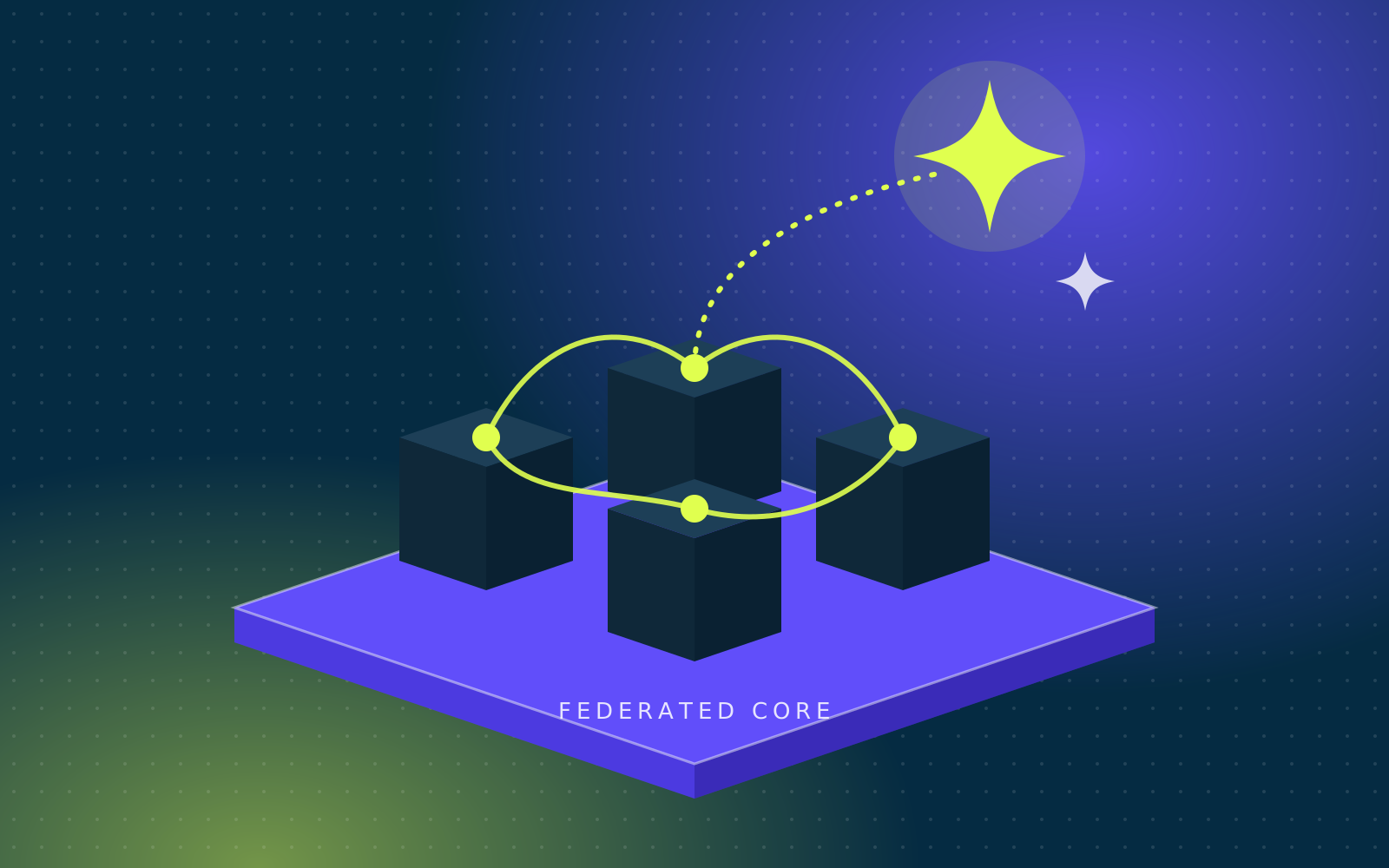
Our documentation covers installing and running Federated Computer, from first setup through day-to-day administration. You’ll find step-by-step guides for configuring Federated Core, adding applications from the Software Library, managing users, and working with backups, storage, and AI features.
Community
Join Us on Matrix
Ask questions, share what you’re building, and talk with the Federated team and other users in our community chat on Matrix, the open, decentralized messaging network.
Customer Support
Real Help From Real People
Need a hand? Email our support team at support@federated.computer. Tell us what you’re trying to do and what you’re seeing, and include your domain or installation name if you have one, so we can help you faster.

CoreDesktop
Upgrade Your Desktop: The Linux Desktop for Federated Core
CoreDesktop turns a fresh install of Arch Linux and GNOME into a fast, keyboard-driven workstation built to work with Federated Core. It’s not a new distribution, just open-source, MIT-licensed scripts on top of Arch, so you get a rolling release that stays current without waiting on anyone.
- A tiling desktop you can run from the keyboard. GNOME extensions set up a three-column grid that’s great on ultrawide monitors, with a normal mouse-friendly desktop when you want it.
- Connected to your Core in one step. Run
configureand it adds your Nextcloud calendar, contacts, files and email to GNOME, points Element at your Matrix server, joins your Core’s Tailscale network, and sets up encrypted daily backups of your home folder to Nextcloud. - Sandboxed AI agents. Claude Code, opencode, Hermes Agent and Cline Desktop come installed and run in a sandbox that keeps them to your project folder and away from your keys, passwords and browser data.
- The software you need, already installed. Browsers, messaging, office, notes, media and a full development toolkit — neovim, tmux, Go, Rust, Python, Ruby and Rails, Docker and more.
- Safe, simple updates. Type
updateto update everything at once. On btrfs, it takes a snapshot first so you can roll back. You’ll get a notification when a new version is available. - Secure by default. A firewall is on from the start, and
auditshows every open port and who can reach it.